
Chapter 12: SVG textPath
SVG textPath does — it takes your text and makes it flow along any path you define.
I’m going to explain it like we’re building beautiful curved text together — step by step, slowly, with copy-paste examples.
What is <textPath> really?
- It’s a child element that must live inside a <text> (or sometimes nested in <tspan>, but usually directly in <text>)
- It tells the browser: “Ignore the normal x/y positioning — instead, follow this path I’m pointing to!”
- The path is defined separately (usually in <defs>) with a normal <path> element that has an id
- The <textPath> links to that path using href=”#the-id”
Result: Your letters bend, rotate, and follow the direction of the path — super useful for:
- Circular logos / badges / stamps
- Wavy / arched titles
- Text on maps (rivers, roads)
- Decorative banners
- Animated scrolling text (combine with JS later)
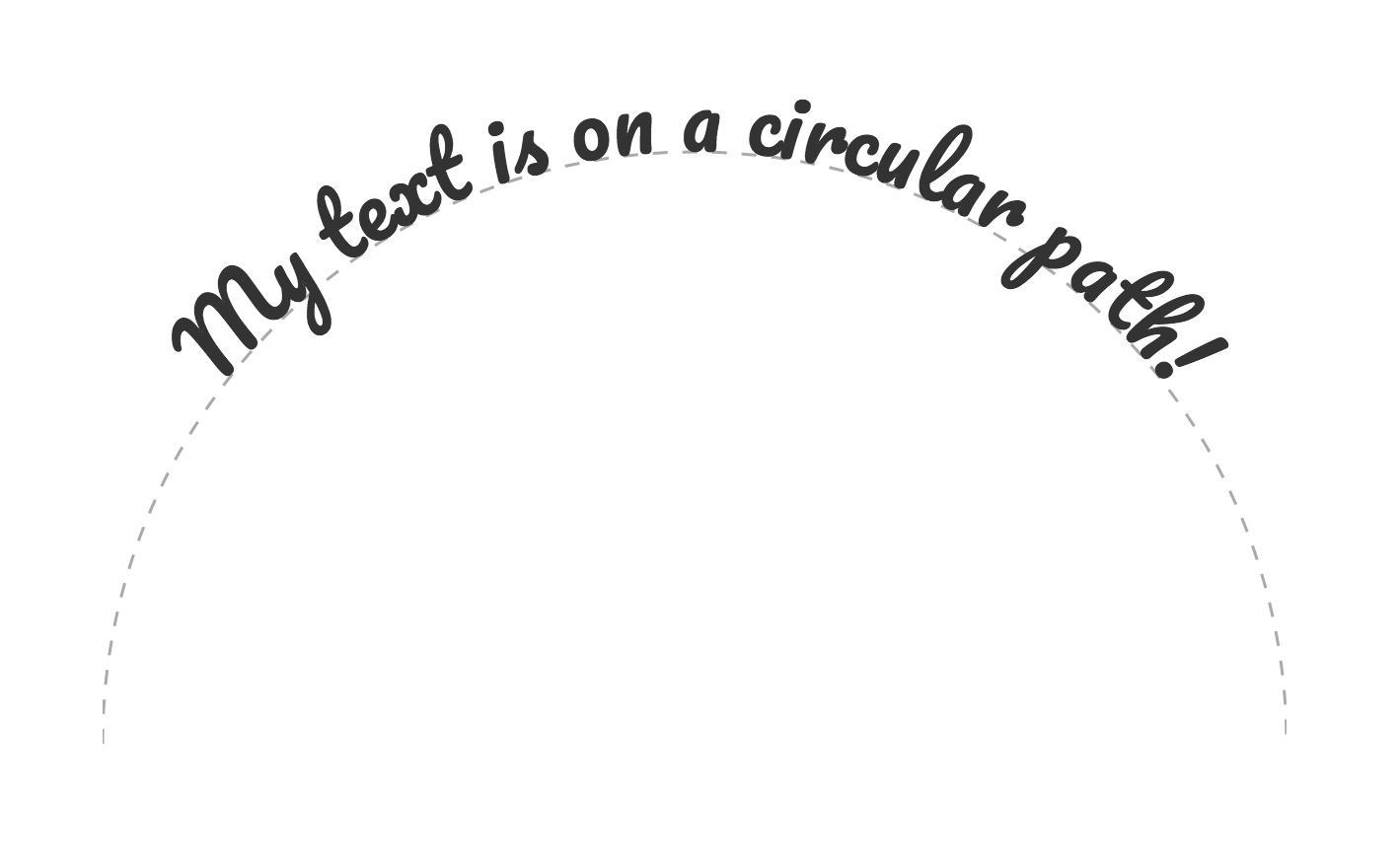
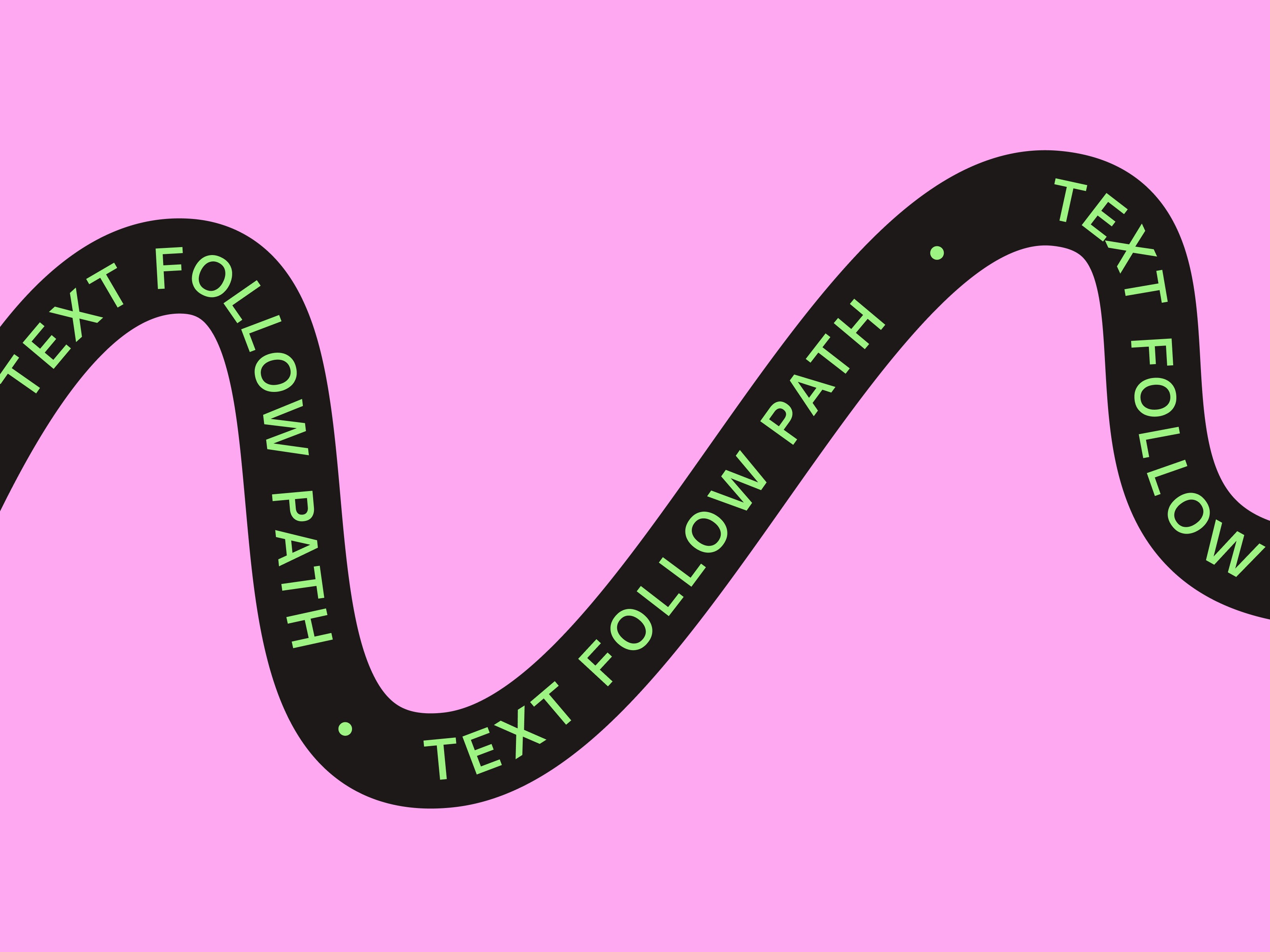
Here are some real-world looking examples of what <textPath> can create (curved around circle, along arc, wavy path):
Basic structure (must-know pattern)
|
0 1 2 3 4 5 6 7 8 9 10 11 12 13 14 15 16 17 18 19 20 21 22 23 |
<svg width="400" height="300"> <!-- 1. Define the path (hidden) --> <defs> <path id="myCurve" d="M 50 150 Q 200 50, 350 150" /> </defs> <!-- 2. Show the path faintly so we can see it (optional) --> <use href="#myCurve" stroke="#ccc" stroke-width="2" fill="none"/> <!-- 3. The text that follows the path --> <text font-size="38" fill="#E91E63" font-weight="bold"> <textPath href="#myCurve"> Follow the curve! </textPath> </text> </svg> |
Result: The text bends along a nice quadratic curve.
Key attributes on <textPath>
| Attribute | Meaning / Purpose | Common values | Default | Super useful? |
|---|---|---|---|---|
| href | Which path to follow (or xlink:href in older code) | “#myPathId” | — | ★★★★★ |
| startOffset | Where on the path the text starts (very important!) | “0%”, “50%”, “20”, “10%” | “0%” | ★★★★★ |
| textLength | Force text to fit exact length (stretch/compress) | “300”, “80%” | natural length | ★★★☆☆ |
| lengthAdjust | How to stretch: only spacing or spacing+letters | “spacing”, “spacingAndGlyphs” | “spacing” | ★★☆☆☆ |
| method | How glyphs are placed (usually leave default) | “align”, “stretch” | “align” | ★☆☆☆☆ |
| side | Which side of path (SVG 2 — limited support) | “left”, “right” | “left” | ★★☆☆☆ |
Most important one = startOffset
- “0%” → starts at beginning of path
- “50%” → centers text on path (super common for circles/arcs)
- Negative % or px → starts before path begins
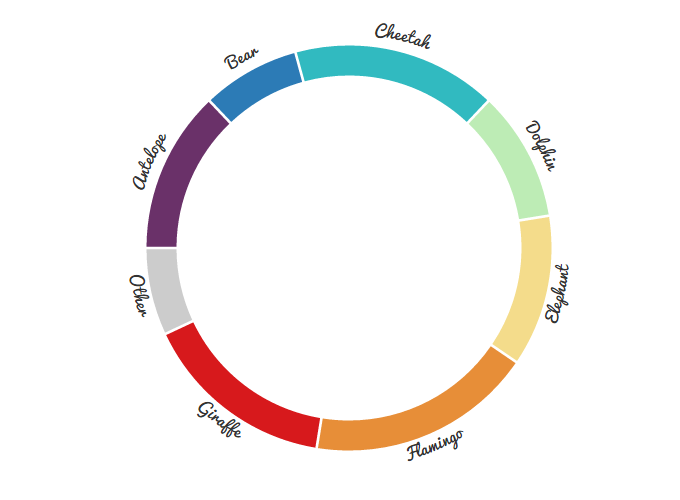
Example 1 – Classic circular text (top half only)
|
0 1 2 3 4 5 6 7 8 9 10 11 12 13 14 15 16 17 18 19 20 21 22 |
<svg width="320" height="320" viewBox="0 0 320 320"> <defs> <!-- Half-circle arc (top) --> <path id="topArc" d="M 40 160 A 120 120 0 0 1 280 160" /> </defs> <!-- Optional: show path --> <use href="#topArc" stroke="#ddd" fill="none" stroke-width="2"/> <text font-size="32" fill="#673AB7" font-family="Arial Black"> <textPath href="#topArc" startOffset="50%" text-anchor="middle"> Around we go! </textPath> </text> </svg> |
Result: Text perfectly centered along top semicircle.
Here’s what circular/arc text often looks like in practice:
Example 2 – Full circle text (top + bottom — no upside-down!)
Common trick: two paths — one for top, one for bottom (flip sweep flag).
|
0 1 2 3 4 5 6 7 8 9 10 11 12 13 14 15 16 17 18 19 20 21 22 23 24 25 26 27 |
<svg width="400" height="400" viewBox="0 0 400 400"> <defs> <!-- Top half (counter-clockwise) --> <path id="top" d="M 100 200 A 100 100 0 0 1 300 200" /> <!-- Bottom half (clockwise - notice sweep flag 1 → direction flips) --> <path id="bottom" d="M 100 200 A 100 100 0 0 0 300 200" /> </defs> <text font-size="28" fill="#FF5722"> <textPath href="#top" startOffset="50%" text-anchor="middle"> TOP TEXT STAYS UPRIGHT </textPath> </text> <text font-size="28" fill="#2196F3"> <textPath href="#bottom" startOffset="50%" text-anchor="middle"> BOTTOM ALSO READABLE! </textPath> </text> </svg> |
Result: Both halves readable — no upside-down text!
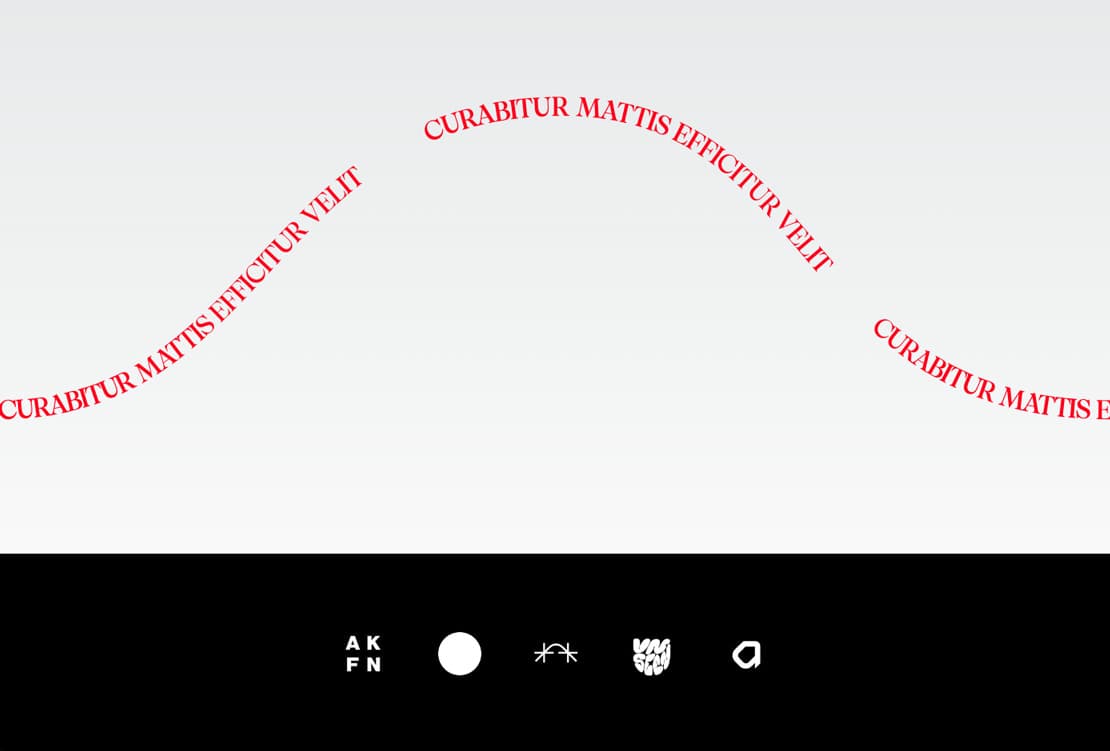
Example 3 – Wavy fun path with startOffset shift
|
0 1 2 3 4 5 6 7 8 9 10 11 12 13 14 15 16 17 18 19 20 |
<svg width="600" height="220"> <defs> <path id="wave" d="M 30 110 Q 150 30, 270 110 T 510 110" /> </defs> <use href="#wave" stroke="#aaa" fill="none" stroke-width="3"/> <text font-size="42" fill="#4CAF50" font-weight="bold"> <textPath href="#wave" startOffset="15%"> WAVE • FOLLOW • PATH • MAGIC! </textPath> </text> </svg> |
Shifted a bit to start earlier — looks playful.
Here’s a wavy text example:
Common beginner mistakes & tips
- Forget <defs> or wrong id → text disappears
- No startOffset=”50%” on circle → text starts at weird place
- Path direction wrong → text upside-down (flip sweep-flag 0↔1 in A command)
- Text too long → overflows or clips (use textLength + lengthAdjust=”spacingAndGlyphs”)
- Browser differences → test in Chrome/Firefox/Safari (especially full circles)
- Accessibility → add aria-label or duplicate normal text hidden for screen readers
Mini practice challenges
- Make your name curve along the top of a circle (use two paths if you want bottom too)
- Create a wavy “SALE 50% OFF” banner
- Try text on a heart-shaped path (you can copy a heart <path d=”…” /> from earlier lessons)
Paste your code here if you want — I’ll review it like we’re sitting together tweaking it 😄
Which part feels tricky? startOffset? Making full circles without upside-down text? Path direction? Arcs? Just tell me — we’ll zoom in with more examples until it feels easy and fun! 🚀




